
Learn, publish and grow with Octapost
Step-by-step guides with real screenshots of the app — from connecting your first social account to reading your analytics.
Create with ChatGPT and Claude
From a conversation to content you can edit and publish.
MCP connects your assistant to the Octapost image editor, template library and post drafts. Ask for a design, refine its layers, reuse it across a campaign and bring it into your publishing workflow.
Example workflow
“Create a YouTube thumbnail with an editable headline and photo placeholder. Make two alternatives, then prepare a post draft with the chosen design.”
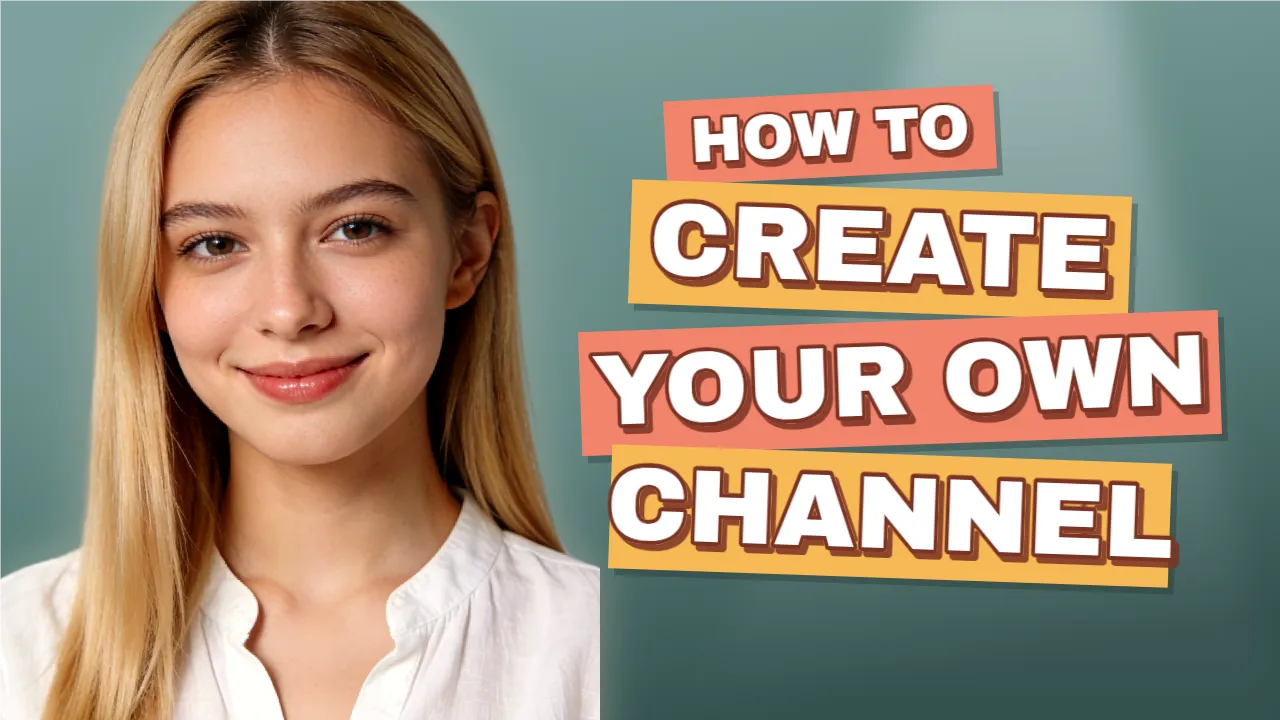
Text, images and shapes stay editable in Octapost.
Design with real layers
Your assistant builds a design you can keep working on in the image editor.
- Create and edit text, images and shapes
- Adjust typography, colors and alignment
- Generate images, remove backgrounds and compare variants
Make a template work harder
Start from your library or ask for a new reusable design with fillable placeholders.
- Find templates by purpose and style
- Fill headline and image placeholders
- Export campaign visuals with editable layers
Bring it into your next post
Carry the finished visual and caption into a draft for your connected social accounts.
- Attach exported designs to post drafts
- Draft captions using your brand context
- Review, then schedule or publish in Octapost
AI creates the draft. You choose when it goes live.
MCP saves drafts and editable designs. Open them in Octapost to adjust the layers, review accounts and captions, and schedule or publish your post yourself.
MCP requires an active paid subscription. Image generation and background removal use workspace AI credits.
Browse the guides
Getting started
Plans
Understand subscription tiers, seats, billing cycles and how to manage your plan.
Read guideOrganizations & Team
Create organizations, invite team members, assign roles and manage multi-org workflows.
Read guideConnect Social Accounts
Link your Facebook, Instagram, X, LinkedIn, TikTok, Reddit and YouTube accounts to an organization.
Read guidePublishing
Platform Capabilities
Supported post types, capability matrix, and recommended media formats for every connected platform.
Read guidePost Creation
Create text, image, carousel, video and story posts with platform-optimized formats.
Read guideSchedule & Drafts
Save drafts, schedule posts on the calendar, manage timezones and build a content queue.
Read guidePosts
Track post status, view per-post metrics, manage comments and handle failed publishes.
Read guideLibrary & insights
Assets Store
Upload and organize images, videos and GIFs to reuse across all your posts.
Read guideAnalytics
Measure reach, engagement, impressions and post performance across all your social channels.
Read guideClient Reports
Build branded client reports with a drag-and-drop builder, tell the story of each month and send them as a PDF.
Read guide