Octapost is a social media scheduler with a design studio built in. Make the image, write the caption and publish to Instagram, TikTok, LinkedIn and 7 more networks, all from one tab.
No credit card · 14 days free · Plans from $14/month
10 networks, one queue
ReelsScheduled · 09:00
@studio.octa
New drop, same calm. Posted everywhere at once ✨
2.4K
18K
940
5.1K
Sound familiar?
Five tabs to post one photo. Octapost makes it one.
Most small teams make the image in one app, schedule it in another, answer DMs on their phone and build the client report in a spreadsheet. Octapost puts every step in the same place.
How it works today
5 tabs open
A design appMake the image
A schedulerQueue the post on every network
Your phoneAnswer comments and DMs
Google Business ProfileReply to customer reviews
A spreadsheetSend the monthly client report
How it works in Octapost
1 tab
Image editor and templatesMake the image
Composer and calendarQueue the post on every network
One inbox for every networkAnswer comments and DMs
Reviews next to your socialsReply to customer reviews
PDF reports, ready to sendSend the monthly client report
One login, one bill, nothing to copy and paste between apps.
Compose once
One photo. Every feed.
Drop in one shot. Octapost cuts it for every network at once, then tailors the caption to each one’s limits and tone.
9:16
4:5
2:3
16:9
1:1
9:16
9:16
POV: your phone finally matches your desk 💜 #pastel #unboxing #desksetup
73 / 4,000
4:5
4:5
New drop, same calm. Our lavender case is back in stock, link in bio 💜 #pastelsetup #newin
91 / 2,200
2:3
2:3
Pastel desk setup idea: a lavender phone case with peach and mint accents
73 / 500
16:9
16:9
Lavender case unboxing: soft touch, real protection
51 / 100
1:1
1:1
We spent six months on the softest case we have ever made. Here is what 214 customer interviews taught us about design.
119 / 3,000
Create with ChatGPT and Claude
From a conversation to content you can edit and publish.
MCP connects your assistant to the Octapost image editor, template library and post drafts. Ask for a design, refine its layers, reuse it across a campaign and bring it into your publishing workflow.
Editable design layersReusable templatesConnected post drafts
AI creates the draft. You choose when it goes live.
MCP saves drafts and editable designs. Open them in Octapost to adjust the layers, review accounts and captions, and schedule or publish your post yourself.
MCP requires an active paid subscription. Image generation and background removal use workspace AI credits.
Who it’s for
Real people, real feeds.
From the corner café to the agency running forty brands, the same dashboard bends to how you work.
2,417
01 · Influencer & creator
Post daily. Live your life.
Batch a week of content in one sitting, let best-time scheduling do the showing up, and answer every DM without opening six apps.
AI captions and hashtags in your voice
Reels, Stories and TikTok from one composer
Every comment and DM in a single inbox
Review replied
02 · Local business
Keep the regulars coming back.
Post today’s special to Instagram, Facebook and Google in one go, then answer every review from the same inbox.
Google Business posts next to your socials
Reply to reviews without switching apps
Plan a month of specials in an afternoon
Approved by client
03 · Social media manager
Every client. Zero chaos.
A separate workspace per brand, approval flows that keep clients calm, and cross-platform reports that prove the numbers went up.
A workspace for every client brand
Draft, review and approve before it ships
One report across every network
+18.4% reach
04 · Entrepreneur
Marketing on autopilot.
You have a business to run. Write once, publish everywhere, and check one dashboard to see what actually brings customers in.
Write once, publish to ten networks
The queue posts while you run the business
See which posts drive real clicks
Shoot it once. Octapost makes it native on every network, on time, every time.
Inside the app
The whole workflow, one window.
One composer, every network
Write once, then tailor each version with live character counts and media checks.
Plan the month at a glance
Drag posts around a shared calendar and see every network’s queue side by side.
Design without leaving
A layered image editor with templates, your brand kit and background removal.
Every reply, one inbox
Comments and DMs from every network, answered without switching apps.
Approvals built in
A workspace per brand or client, with drafts that wait for a yes before they ship.
See what actually lands
Reach, engagement and follower growth per network, in one dashboard.
Reviews, answered
Read and reply to your Google reviews next to the rest of your social work.
Giveaways that hold up
Run comment giveaways on your posts and pick winners anyone can audit.
Bring your own AI
Ask ChatGPT or Claude. Octapost does the work.
Connect the AI you already pay for. Ask in plain words and it writes on-brand drafts, designs editable templates and thumbnails, and finds the right images, straight into your workspace.
Your AI assistant · Octapost connected
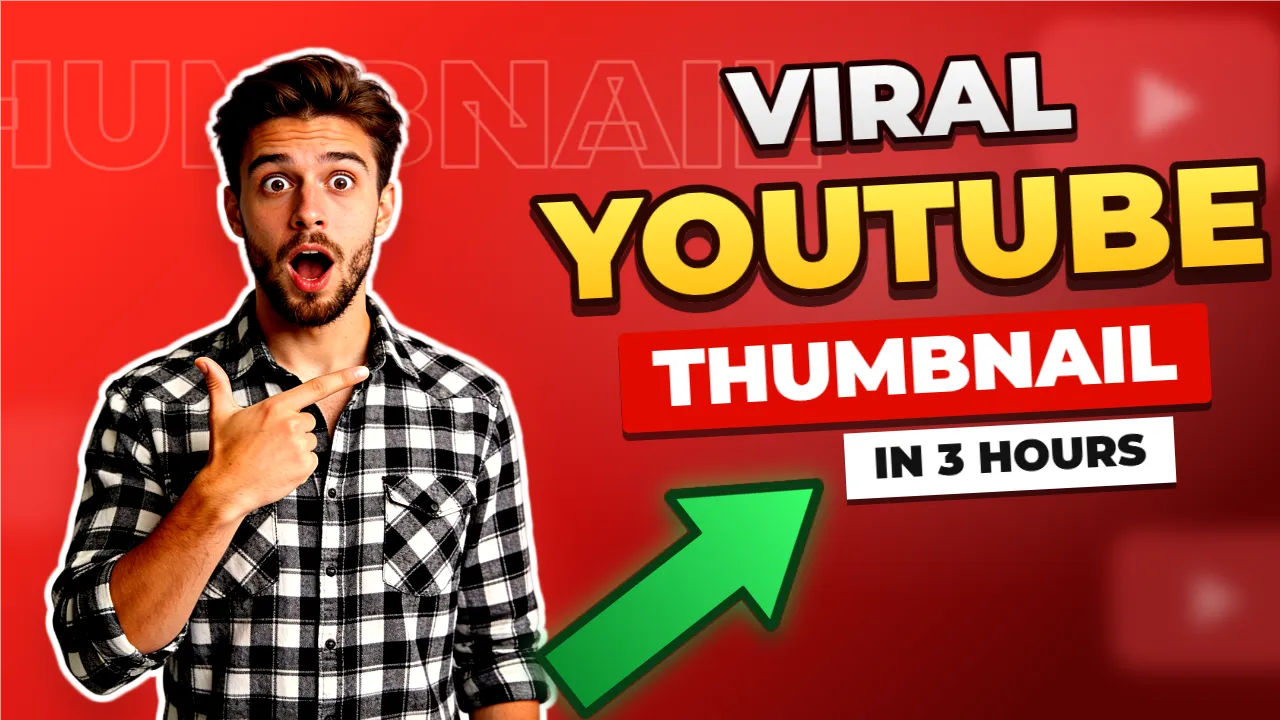
Make a YouTube thumbnail for "I tried 10 AI tools" with a shocked presenter, then draft the post for YouTube and X.
Done. Your thumbnail is an editable template in Octapost, and the post is saved as a draft for you to review and schedule.
Open in editor →Review draft →
I tried 10 AI tools: here is what actually works
Draft · not scheduled
Writes on-brand captions per platform, saved as drafts
Designs templates and thumbnails you can keep editing
Generates, cuts out or imports images from Higgsfield, links or your chat
Saves drafts only: you publish from Octapost
Works with ChatGPT, Claude, Cursor and other MCP apps
Questions about AI assistants
Can I use ChatGPT or Claude with Octapost?
Yes. Octapost is an MCP server: add it as a custom connector in ChatGPT or Claude (or any MCP app such as Cursor), sign in with your Octapost account and approve access. Custom connectors may require a paid ChatGPT or Claude plan.
Can the AI publish posts without me?
No. Assistants can only save drafts. They can’t publish or schedule anything: you review the draft in Octapost and publish or schedule it yourself, and you can disconnect an assistant at any time.
What can the AI create in Octapost?
Post drafts with per-platform captions and hashtags, templates and YouTube thumbnails built as real layers in the image editor, and images it generates, cuts out or imports from Higgsfield, links or your chat. Everything stays editable.
Does it use my AI tokens?
Writing is done by your own assistant. Generating images or removing backgrounds uses your workspace AI tokens, just like in the editor. Or bring your own: if your assistant has Artlist, Higgsfield or another image tool connected, it can generate there and place the result in your design without using Octapost tokens.
Always on
Posts that stop the scroll, on schedule.
Queue a week of content in one sitting. Octapost publishes each post at the right time, on every network, while you get on with your day.
@northroast
2.4K
@strideclub
18K
@dewlab
940
@greenroom
612
@quietaudio
5.1K
@petitfour
1.2K
@northroast
2.4K
@strideclub
18K
@dewlab
940
@greenroom
612
@quietaudio
5.1K
@petitfour
1.2K
@northroast
2.4K
@strideclub
18K
@dewlab
940
@greenroom
612
@quietaudio
5.1K
@petitfour
1.2K
@northroast
2.4K
@strideclub
18K
@dewlab
940
@greenroom
612
@quietaudio
5.1K
@petitfour
1.2K
@greenroom
612
@quietaudio
5.1K
@petitfour
1.2K
@northroast
2.4K
@strideclub
18K
@dewlab
940
@greenroom
612
@quietaudio
5.1K
@petitfour
1.2K
@northroast
2.4K
@strideclub
18K
@dewlab
940
@greenroom
612
@quietaudio
5.1K
@petitfour
1.2K
@northroast
2.4K
@strideclub
18K
@dewlab
940
@greenroom
612
@quietaudio
5.1K
@petitfour
1.2K
@northroast
2.4K
@strideclub
18K
@dewlab
940
Simple Pricing
Starter plan includes a 14-day free trial. No credit card required.
14-day free trial
Starter
$14/month
6 social accounts
Unlimited organizations
6 social accounts
200 AI tokens/mo (1 per caption · 1 per cutout · from 5 per image)
1 GB media storage
1 giveaway at a time
1 seat included
Basic analytics
Content calendar
Most Popular
Pro
$49/month
30 social accounts
Unlimited organizations
30 social accounts
1,000 AI tokens/mo (1 per caption · 1 per cutout · from 5 per image)
5 GB media storage
5 giveaways at a time
1 seat included · +$50/seat
Full analytics
Team collaboration
Unified inbox
Business
$99/month
60 social accounts
Unlimited organizations
60 social accounts
4,000 AI tokens/mo (1 per caption · 1 per cutout · from 5 per image)
15 GB media storage
Unlimited giveaways
1 seat included · +$50/seat
Advanced analytics
Priority support
Custom branding (soon)
Enterprise
$499/month
400 social accounts
Unlimited organizations
400 social accounts
20,000 AI tokens/mo (1 per caption · 1 per cutout · from 5 per image)
50 GB media storage
Unlimited giveaways
1 seat included · +$100/seat
Advanced analytics
Priority support
API access
Your next post is one click away.
Start a free trial, connect your accounts and have your first week scheduled before your coffee goes cold.